



How to Work Out How Many Tiles You Need: A Step-by-Step Metric Guide
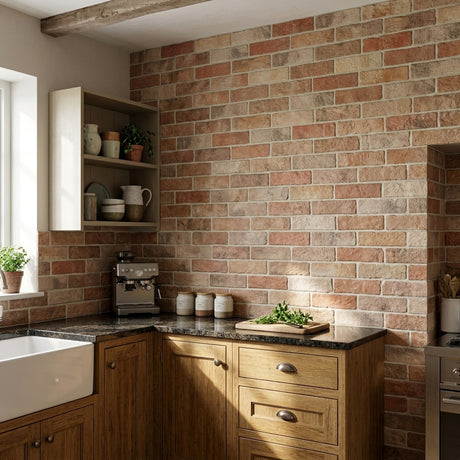
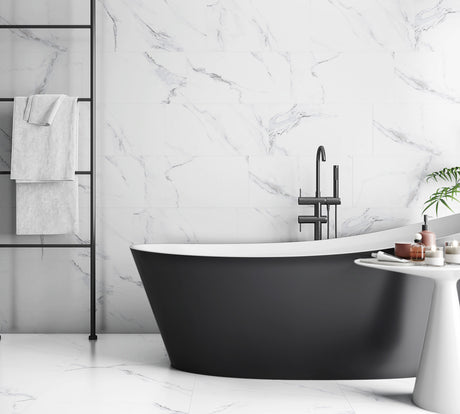
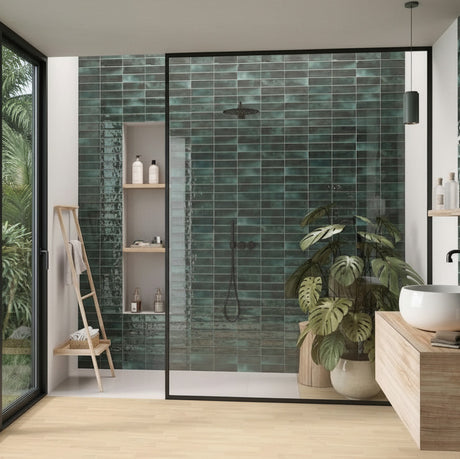
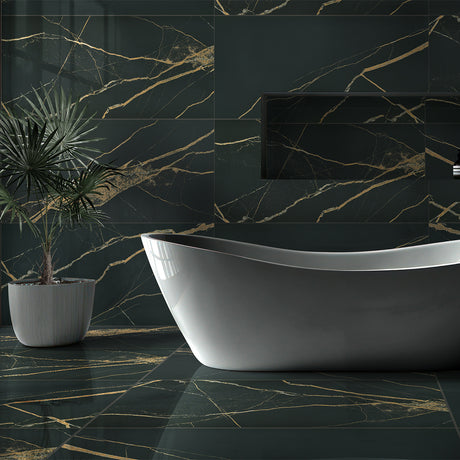
Planning a home renovation project is an exciting time, whether you are refreshing your splashback with stylish Kitchen Tiles or creating a spa-like retreat with luxurious Bathroom Tiles. However, one of the most common questions homeowners ask before ordering is: "How do I work out how many tiles I actually need?"
Calculating the correct square meterage (m²) ensures you don't overspend on unnecessary boxes or end up short halfway through the installation. In this guide, we will walk you through the math step-by-step using standard metric measurements and share key industry tips for a seamless tile installation.
Step 1: Measure Your Walls and Floors in Meters
Before starting, grab a tape measure, a notepad, and a calculator. Always make sure you record your dimensions in the same unit of measure, in other words don’t mix inches with cm’s etc. (We’re going to be using metric measurements here but don’t worry our team can help you with imperial measurements as well.)
The basic formula for finding any rectangular or square area in square meters (m²) is simply:
Length in metres x Width (or Height) in metres = m2
Measuring Floor Tiles
For a straightforward rectangular or square room, measure the full length of the floor in meters and multiply it by the width in meters. For Example:
Length 5m x Width 4m = 20m² (5 x 4 = 20)
Don’t worry if your floor is not a perfect square or rectangle, if you have various nooks or an L shape floor area simply break the floor up into rectangles or squares and add them together. For Example:
If you have an L shape floor, measure the length and width of the main long area in this example let’s say that area was 5m Long and 3m Wide = 15m² (5 x 3 = 15)
Then the smaller section was 2m Long and 2m Wide = 4m² (2 x 2 = 4)
Now simply add them together, 15m² + 4m² = 19m²

Pro Tip for Kitchen Floors: We strongly recommend tiling your entire floor area before kitchen units and cabinets are installed. Tiling under units prevents awkward, intricate cuts along plinths and kickboards, providing your kitchen installer with a level surface to achieve a clean, professional finish.
Measuring Wall Areas
Measure each wall individually by multiplying its total height in meters by its width in meters. If you are tiling multiple walls, calculate each wall’s m² separately and add them together to get your total area. For example:
If all 4 of your walls are all 2m Wide and 2.4m High and you are tiling all 4 walls it would be:
2m x 2.4m = 4.8m²
4.8m² x 4 (4 walls) = 19.2m²
If all your walls or the area you are tiling on each wall is different again just work out each wall or section being tiled and add the areas together.
Step 2: Subtract Areas Not Being Tiled
Most rooms feature obstacles you won't tile over, such as windows, doors, baths, or built-in cabinetry. Measuring these un-tiled spaces in square meters, using exactly the same method length x width/ height and subtracting them from your gross total. This prevents you from buying excess materials.
-
Windows & Doors: Measure the width and height of the opening in meters, calculate its m² and subtract it from the wall’s total area.
-
Baths & Enclosures: If you are not tiling underneath or behind a built-in bath structure, calculate that area in meters and subtract it from your overall floor or wall calculations.
For Example:
You have a wall with a door and a window. The total length of the wall is 4m and the height is 2.4m, walls total area = 9.6m² (4 x 2.4 = 9.6).
Your door is 1.98m high and 0.77m wide = 1.52m² (1.98 x 0.77 = 1.52)
You window is 0.91m high and 0.61m wide = 0.56m² (0.91 x 0.61 = 0.56)
The total area of tiling needed for this wall is 9.6m² - 1.52m² - 0.56m² = 7.52m²

Step 3: Add the Industry Standard 10% Waste Margin
No matter how precise your measurements are, you must account for wastage. During installation, tiles need to be cut to fit edges, corners, and pipework. Some tiles may also crack during intricate cuts.
The industry standard is always add an extra 10% to your total square meters.
Why is this extra 10% so vital?
-
Batch Consistency: Just like wallpaper, ceramic and porcelain tiles are produced in specific production batches or shade runs. If you run short by even one box, reordering later might mean receiving a different batch with subtle variations in shade or size calibration.
-
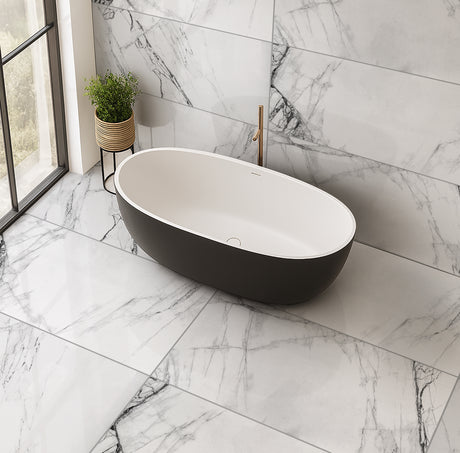
Complex Layouts: If you are laying pattern tiles diagonally or choosing premium Large Format Tiles (such as 60x120cm, 90x90cm or 100x100cm), consider adding 15% for extra cut waste along borders.
Waste Calculation Example:
-
Net Area Needed: 7.2m²
-
Multiply by 1.10 (10% extra): 7.2 x 1.10 = 7.92m² total to order.
Using the Great Tiles Box Calculator
We have made ordering as simple as possible! You don't need to manually work out how many individual tiles or boxes you require.
Every tile product page across the Great Tiles website features an integrated tile calculator.
-
Calculate your overall area in square meters (m²)
-
Visit your chosen tile page (whether selecting small subway tiles or trend-setting Large Format Tiles).
-
Type your required m² into the calculator box.
- Click the square box next to 'Include extra 10% for overage or waste'
Our system automatically converts your target area including the 10% extra into the exact number of full boxes required for your project!
Need Extra Help? We're Here for You!
Measuring room spaces can feel daunting, especially in older properties with uneven walls, alcoves, or sloped ceilings.
If you are unsure of your calculations, we are here to help!
Send your room layout sketches, architectural drawings, or rough measurements (metric or imperial) to the Great Tiles customer team. We will review your plans, help verify your total square meterage, and ensure you order the right quantity first time around.
-
Call Us: 01438 582928
-
Email Us: customerservice@greattiles.co.uk
So, thank you very much for visiting Great Tiles and please enjoy browsing our products. You can rest assured we’re here to help make your dream project come true and to try and take as much stress and worry away as possible. Please feel free to contact us, we’re here to help.